
Boost Your Productivity Around the Analysis of Calculation Manager Log

This post is around Oracle EPM Cloud Planning.
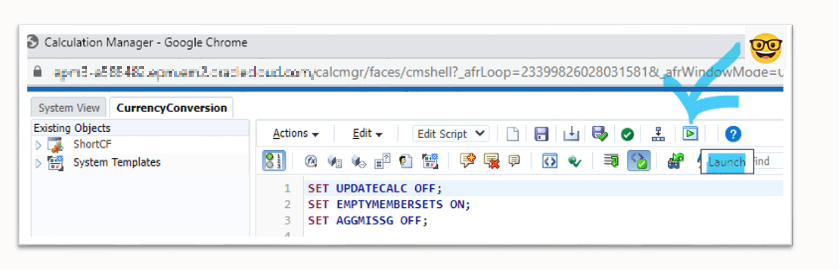
Calculation Manager provides the ability to run calculations directly from its User Interface, thanks to the “Launch” button:
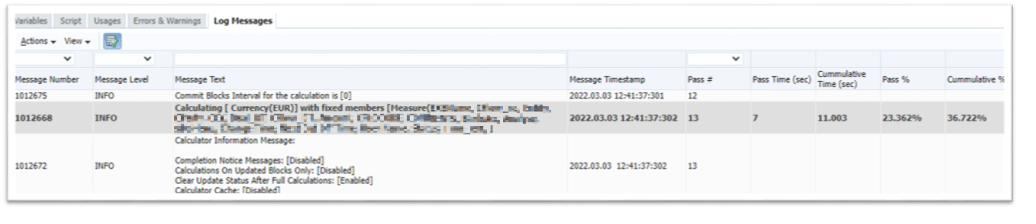
Yes, in this post we will see only classic scripts running. You have now the “Log Messages” tab that has been added, in which you can find lots of information:
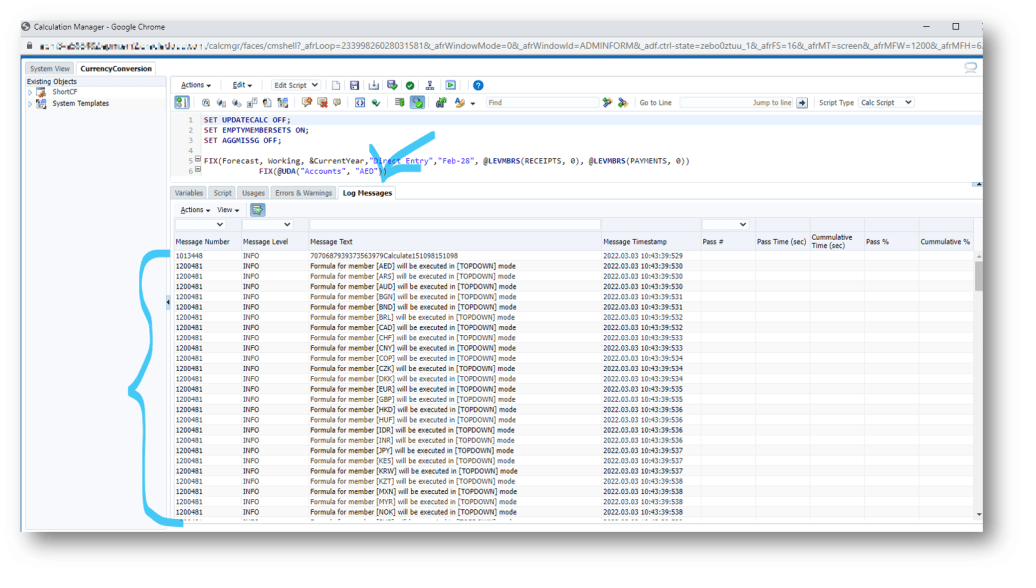
You have the possibility to filter on some fields: this is well documented here. But then, you can only read all the other columns, which I have experienced as could be frustrating.
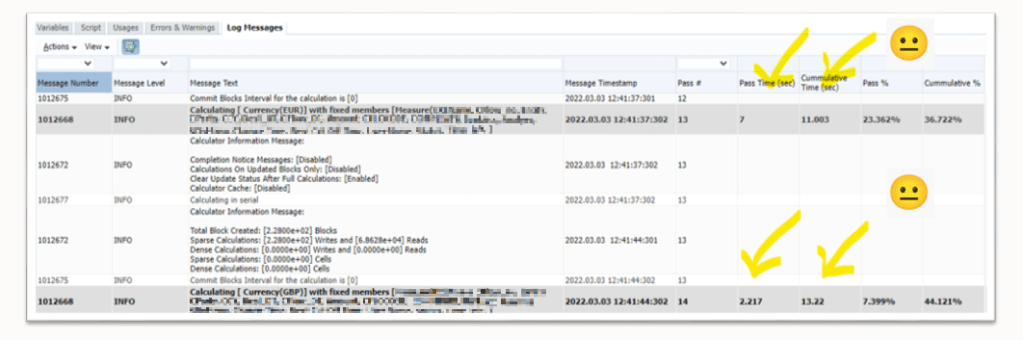
Could it be simply exported to Excel? Answer is yes!
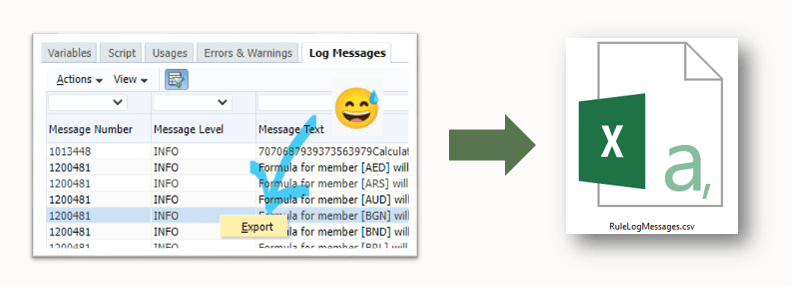
But then, the structure of the CSV file does not allow directly to filter by column… How great would it be to use a bit of grey matter to make this happen?
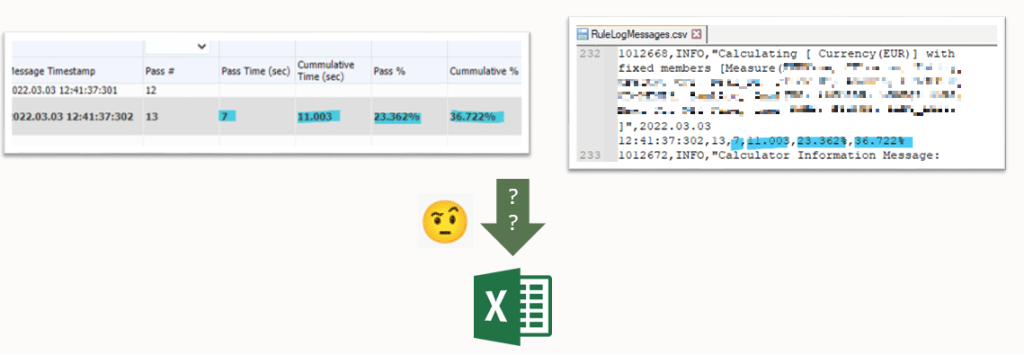
Yes, I made some VB development to solve my problem, and it’s like I’ve been back to the old days when I was still developing in Essbase x VBA.
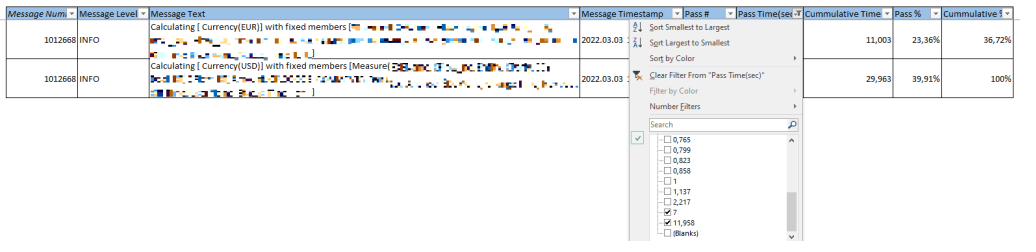
The outcome: from reading in CalcMan to filtering in Excel

The Excel file with macro: Christmas before time!
There you go to get this file. I will be happy to collect any feedback, or ideas to improve this personal utility. Feel free to share on the comments section.
Simple and ready to use
Once downloaded and opened, you can directly paste in the sheet the content of the file exported from Calculation Manager (RuleLogMessages.csv file), and then the macro “I_am_not_dreaming”
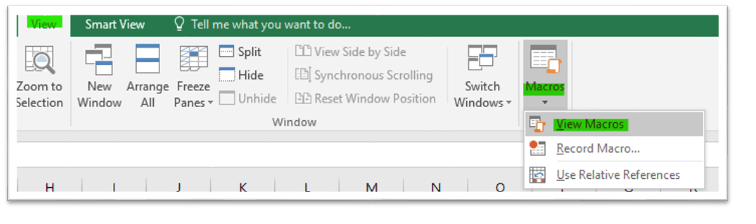
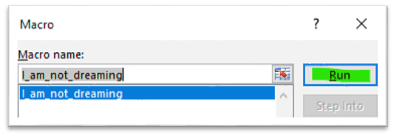
This seed that may boost your productivity around the analysis of Calculation Manager log. Eventually, it may help you grow your EPM dreams…